Revelo Redesigns

Revelo

  • Dashboard
  • Redesign
  • AI Tech

Freelance UI redesign work on the Revelo platform, contributing to the training of a LLM by redesigning interfaces it generated. Each submission required a full visual redesign, for a completely different product, having to create a new design system with typography styles, color language and layout logic. 8 redesigns were completed across different app concepts, from collaborative tools and creative studios to survival games and travel archives.
  • UX/UI Designer
  • 1 member
  • 4 weeks
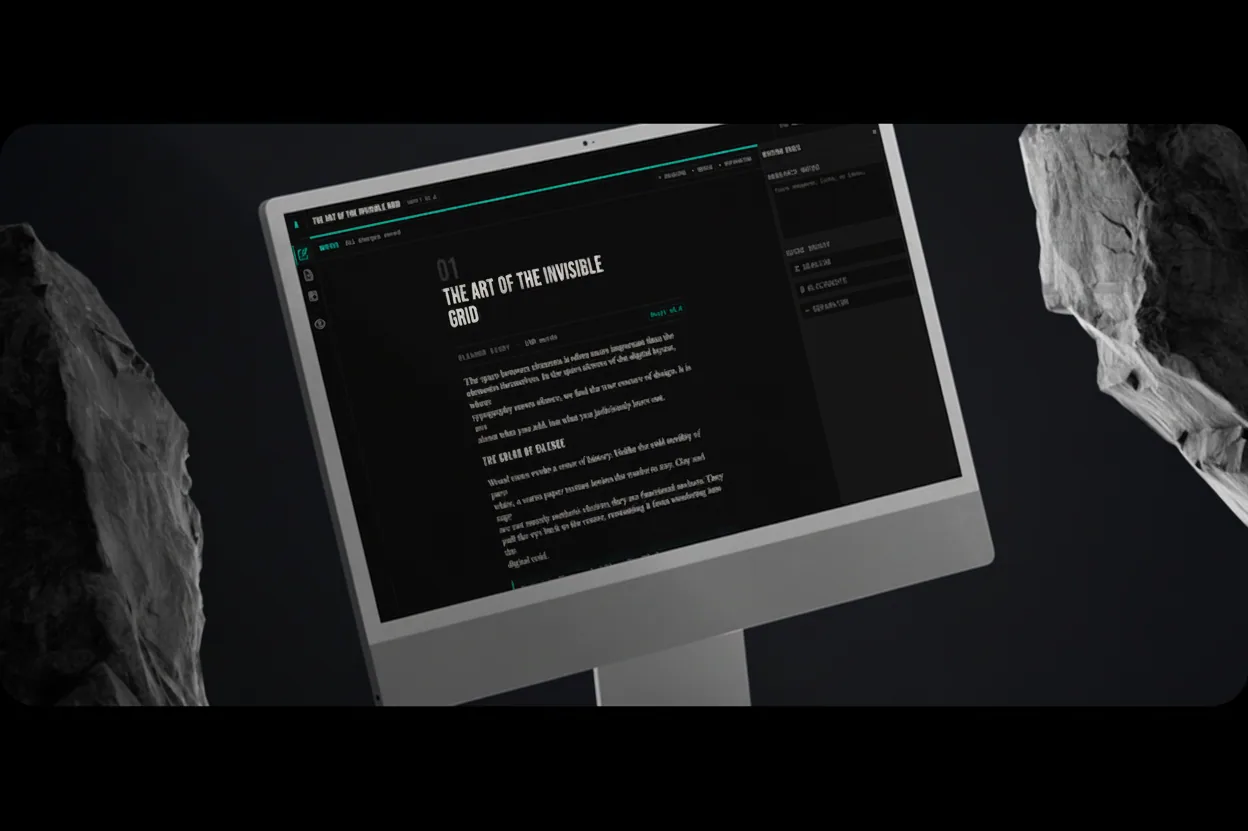
Cover for the Revelo Redesigns case study: a redesigned writing app on a monitor between two rocks.

Challenges

Each redesign had to be unambiguously different from the model's output, so the core challenge was building a fully distinct visual language within a strict ~60 minute time frame per task, while also writing developer notes and design rationale that would teach the model, reviewers and developers why decisions were made. Avoiding repetition across the 8 submissions required an extensive discovery process with research for references, and a clear understanding of each product’s tone and audience.
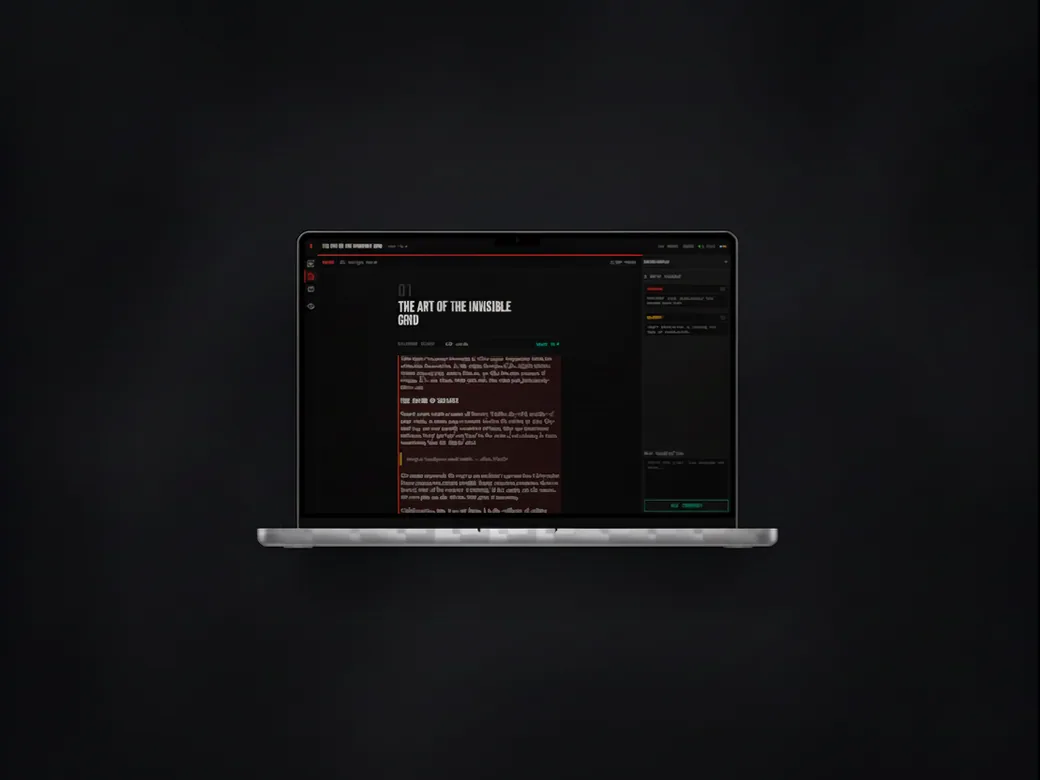
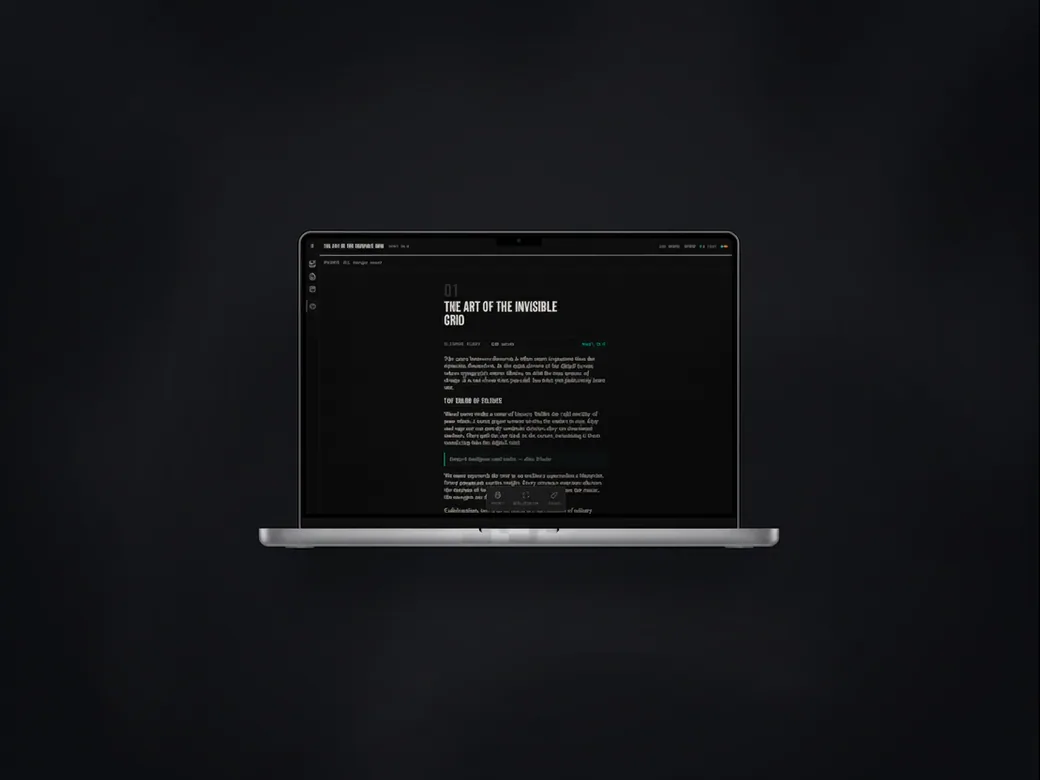
The redesigned writing app on a laptop, with the article in the centre and the editing panels either side.
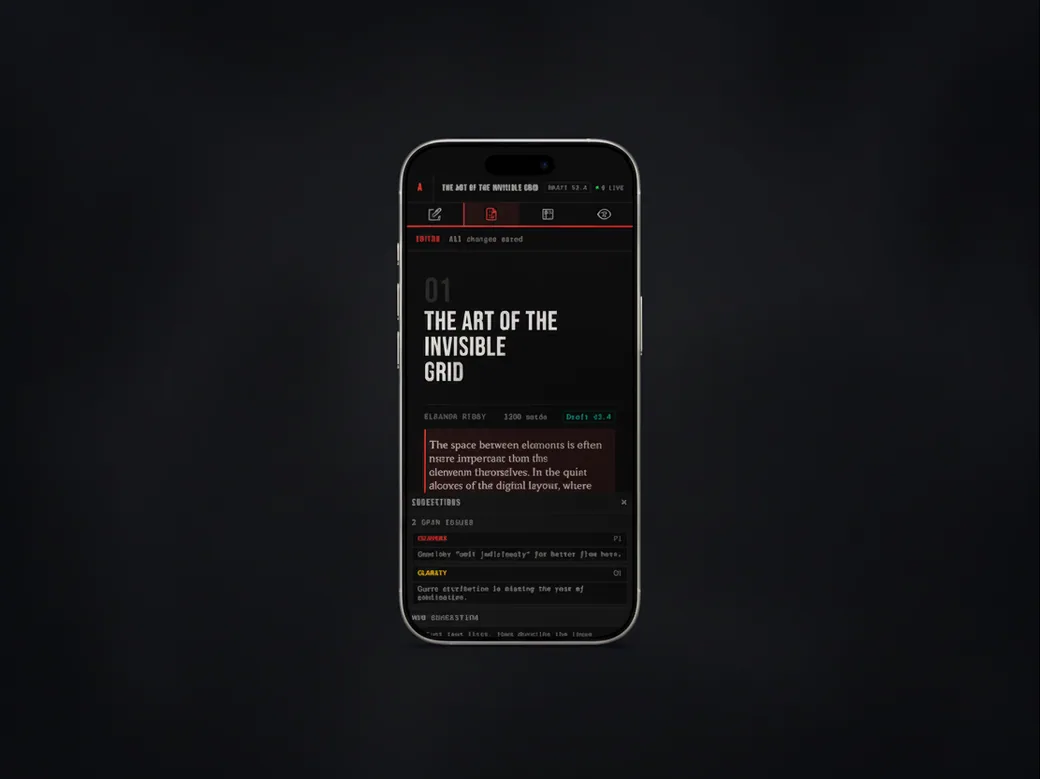
The same writing app on a phone, with the editing tools along the top and suggestions underneath the text.

Achievements

• Completed 8 approved redesigns covering a diverse range of product types and visual languages.

• Developed a personal workflow that reliably delivered high quality redesigned pages (from 2 to 8 pages) within a 60 minute time frame.

• Established a reusable system for design rationale and developer documentation and handoff that maintained consistency and quality across all submissions.
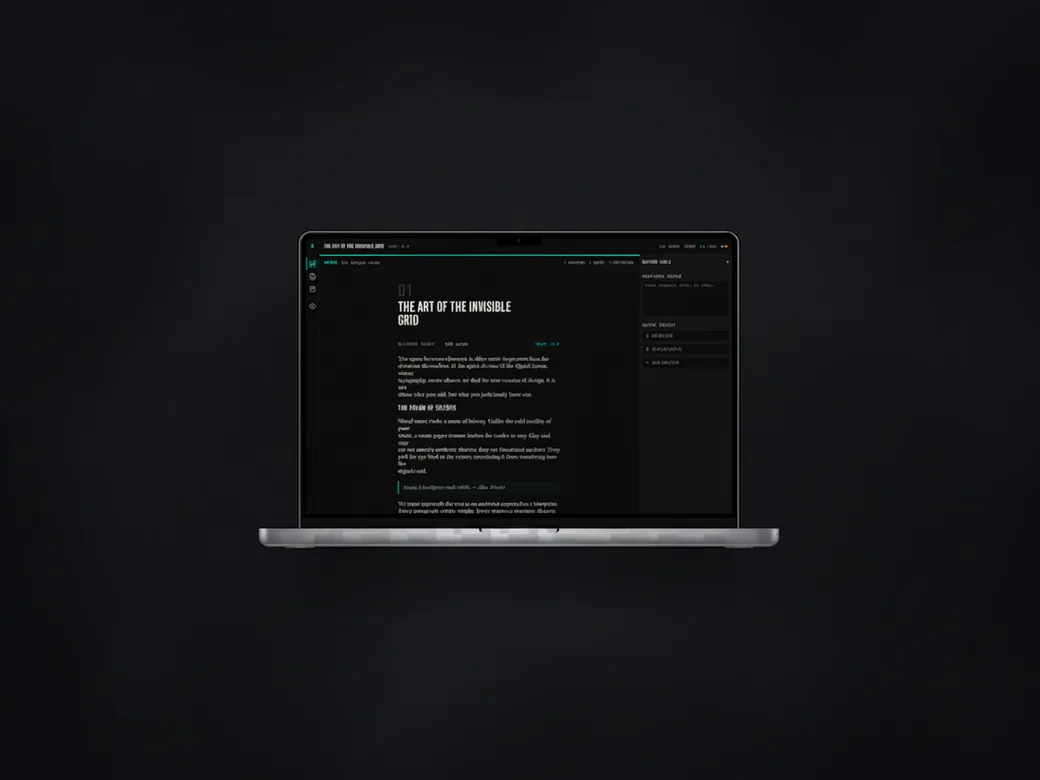
The writing app on a laptop in its teal variant, with the article beside the outline panel.
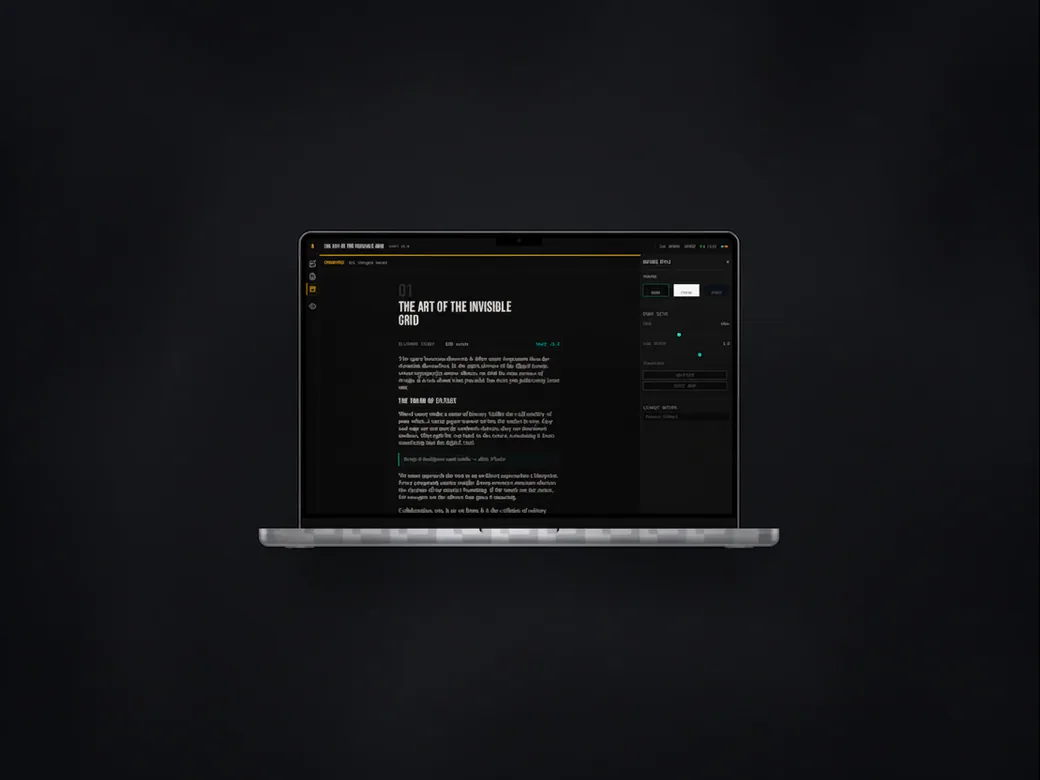
The writing app on a laptop in its red variant, with a passage highlighted for revision.
The writing app on a laptop in a plain dark variant, showing the article on its own.
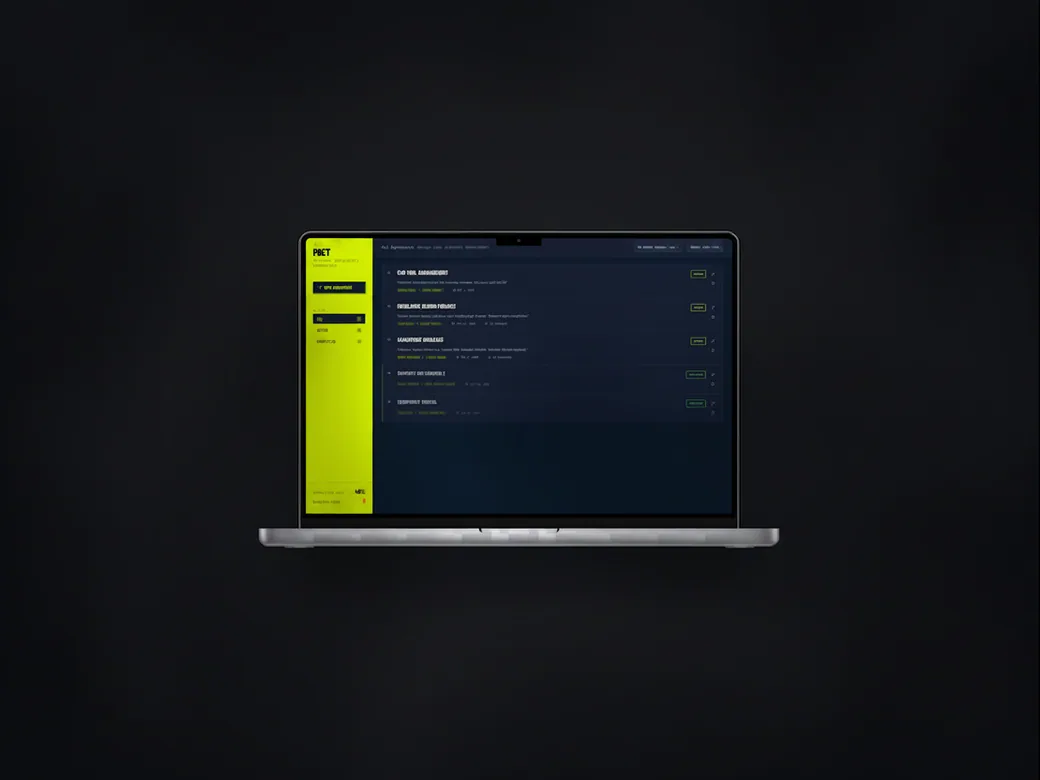
A project dashboard on a laptop, with a lime sidebar beside a list of items on a dark blue panel.
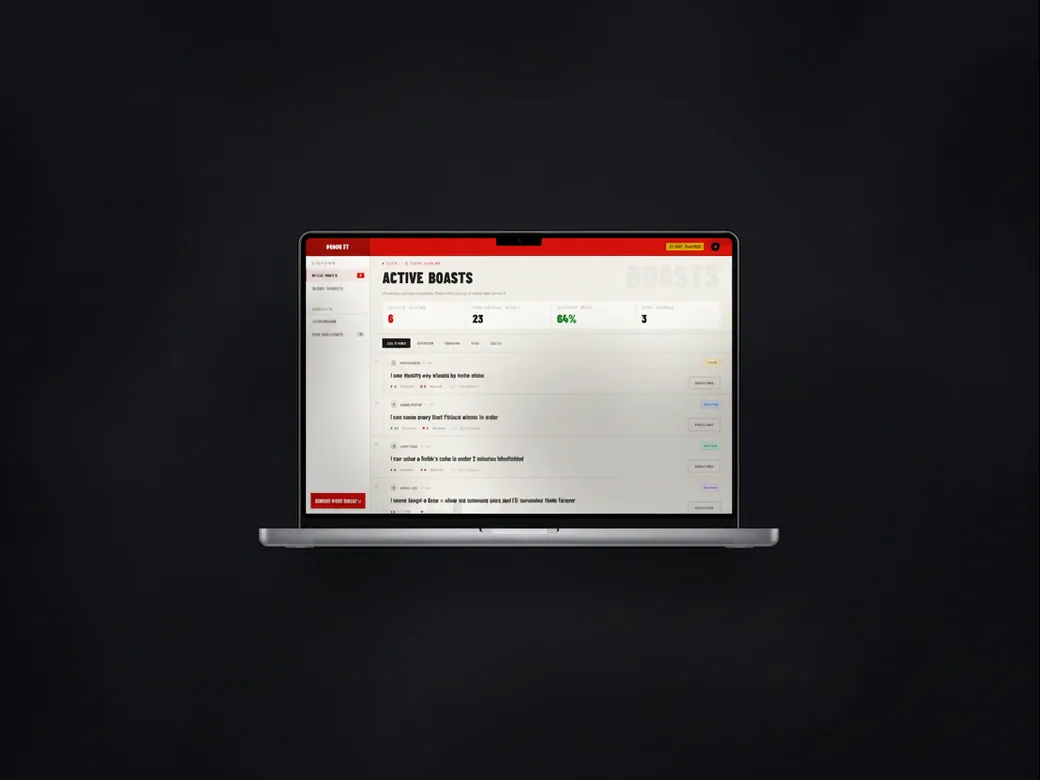
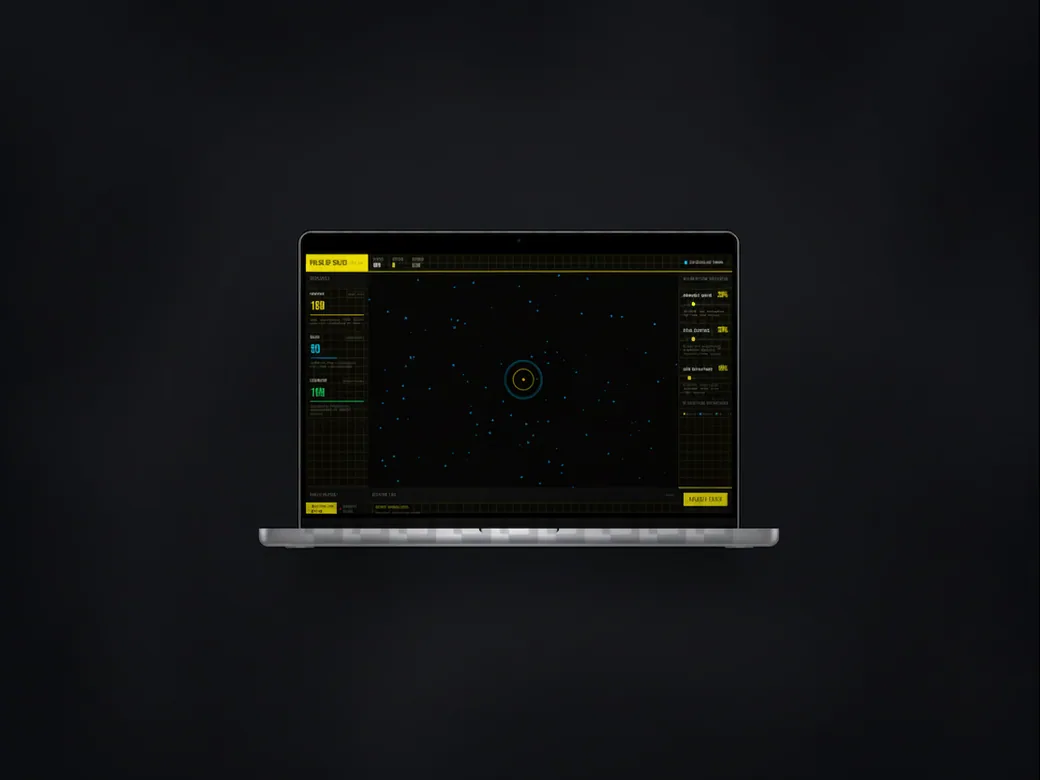
A social challenge app on a laptop, showing the active entries with counters for total, success rate and streak.
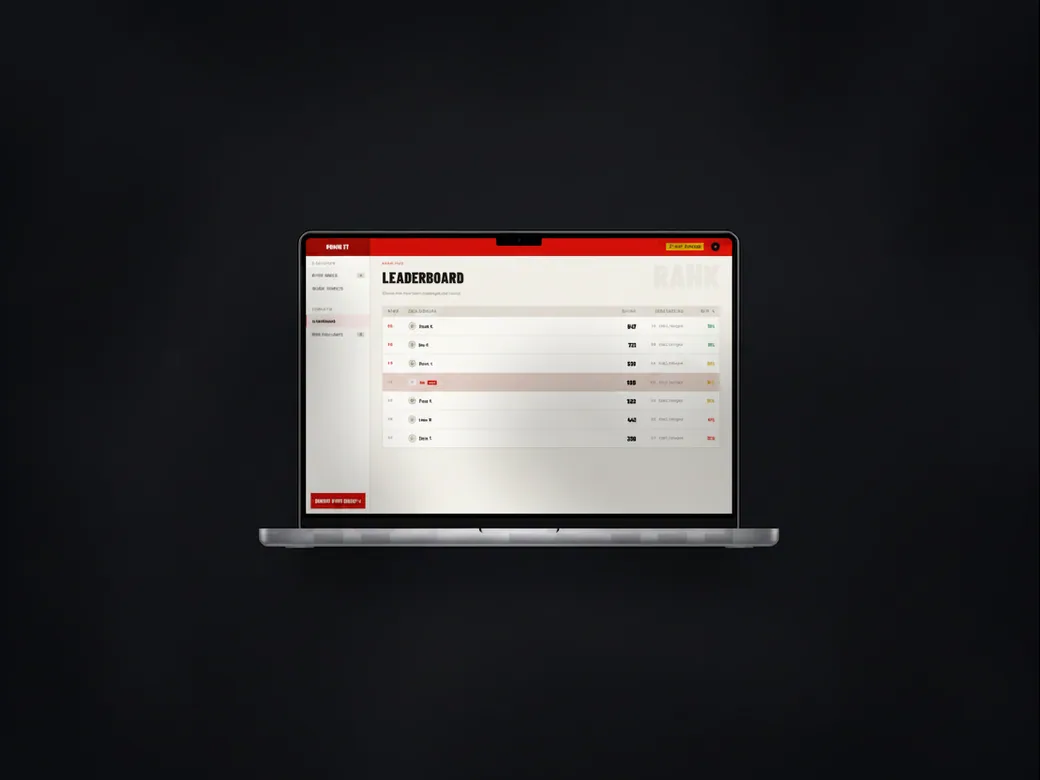
The same challenge app showing the leaderboard, with the ranked players and their scores.
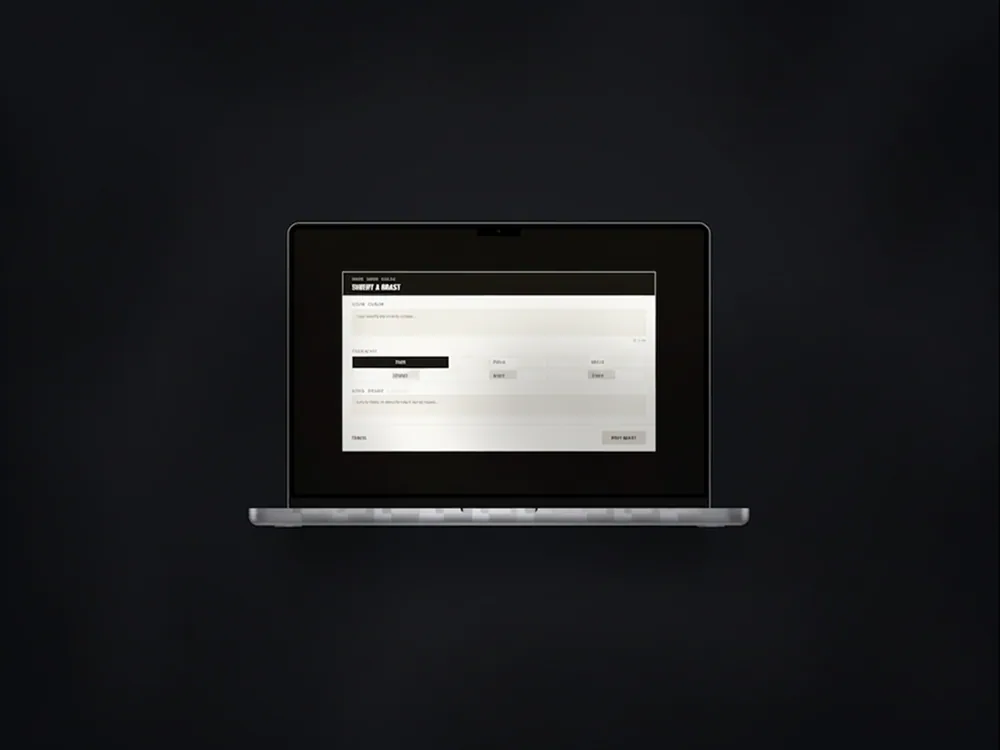
The challenge app's submission form on a laptop, on a dark background.
The project dashboard on a laptop, with an entry open on a dark panel.
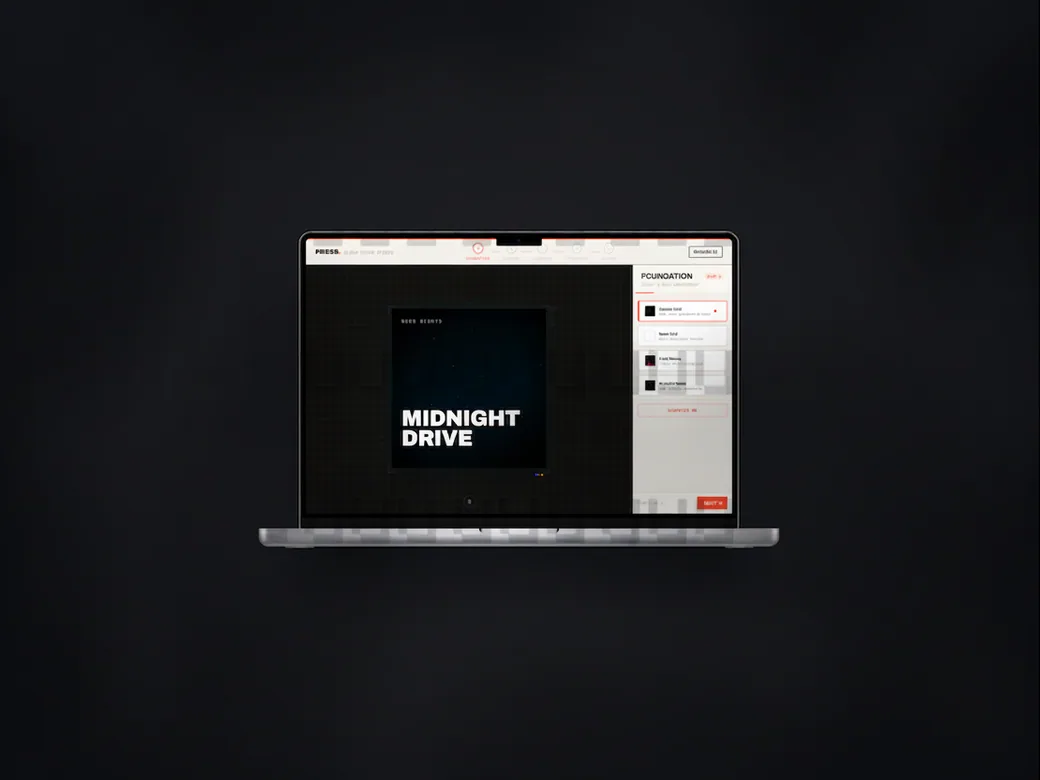
A music release page on a laptop, with the album artwork beside a panel of release settings.
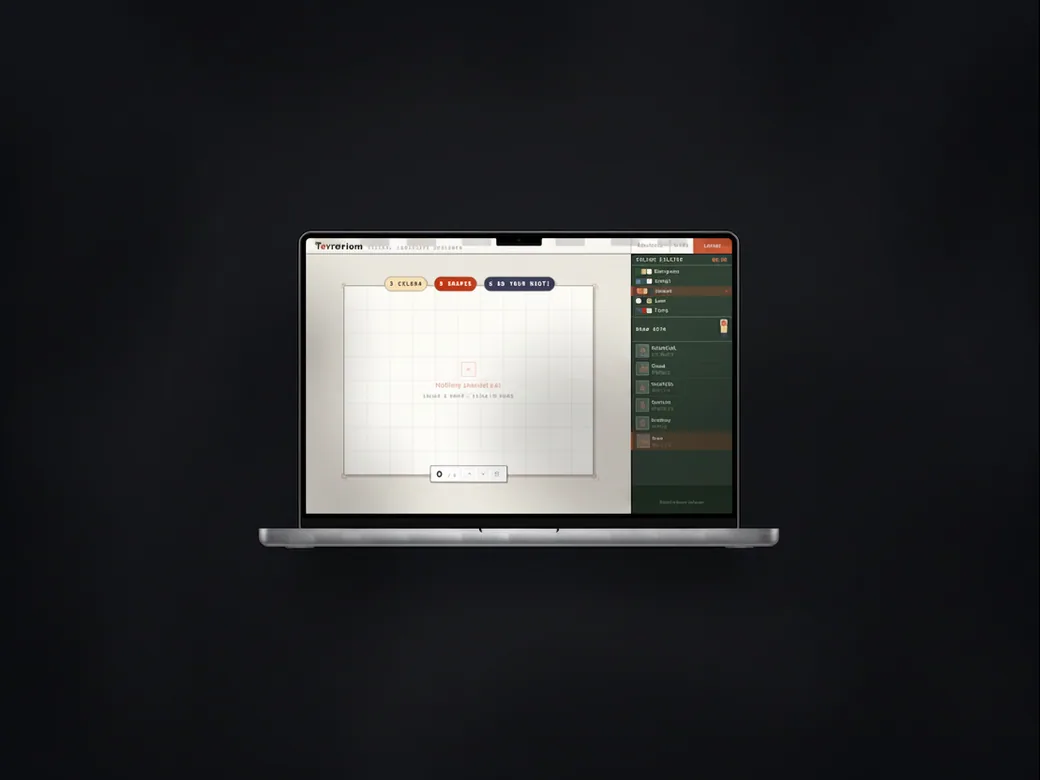
A garden planning tool on a laptop: an empty grid canvas beside the plant catalogue.
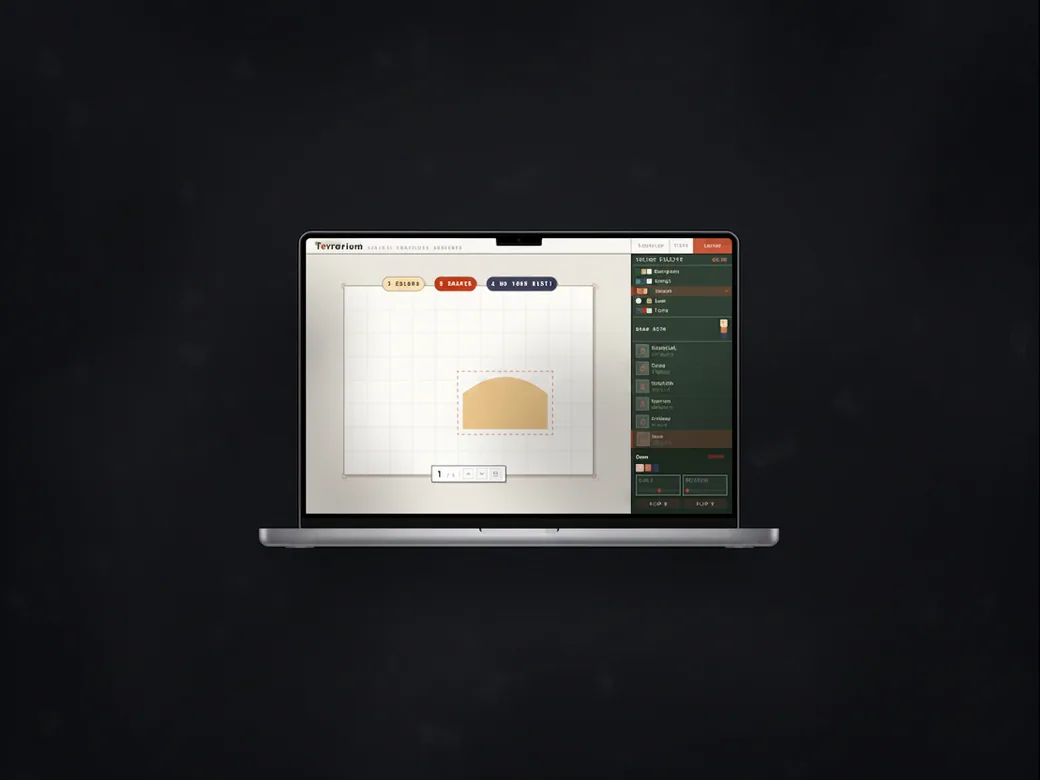
The same garden planning tool with a bed drawn on the grid and its settings open.
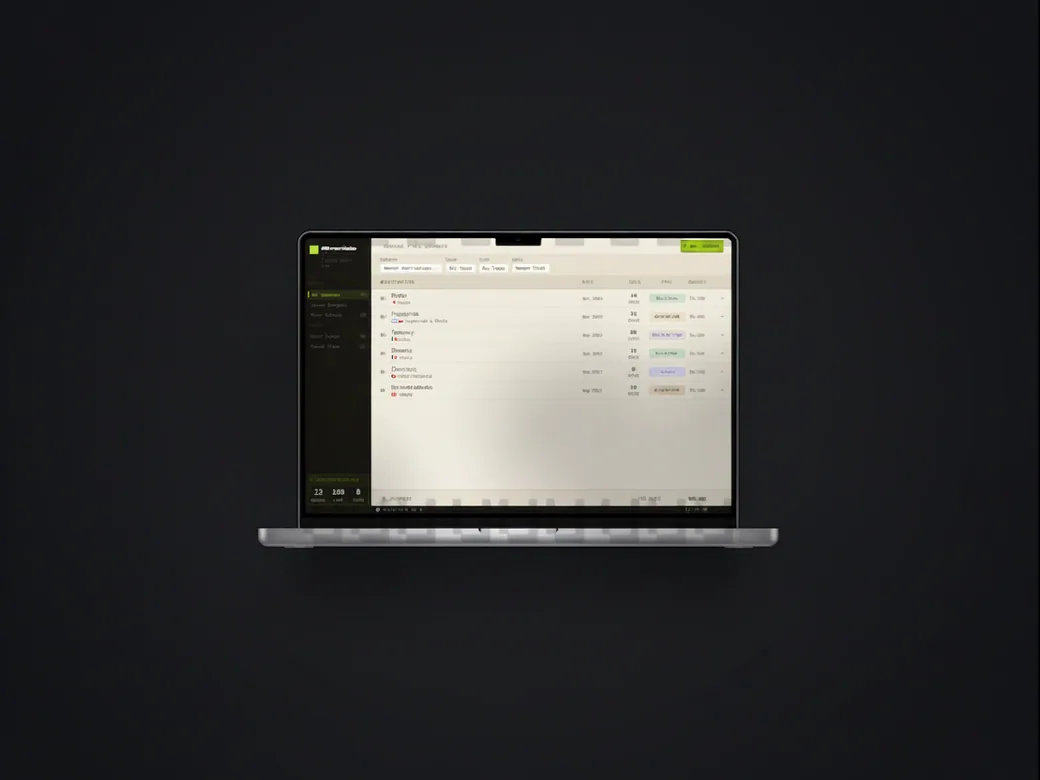
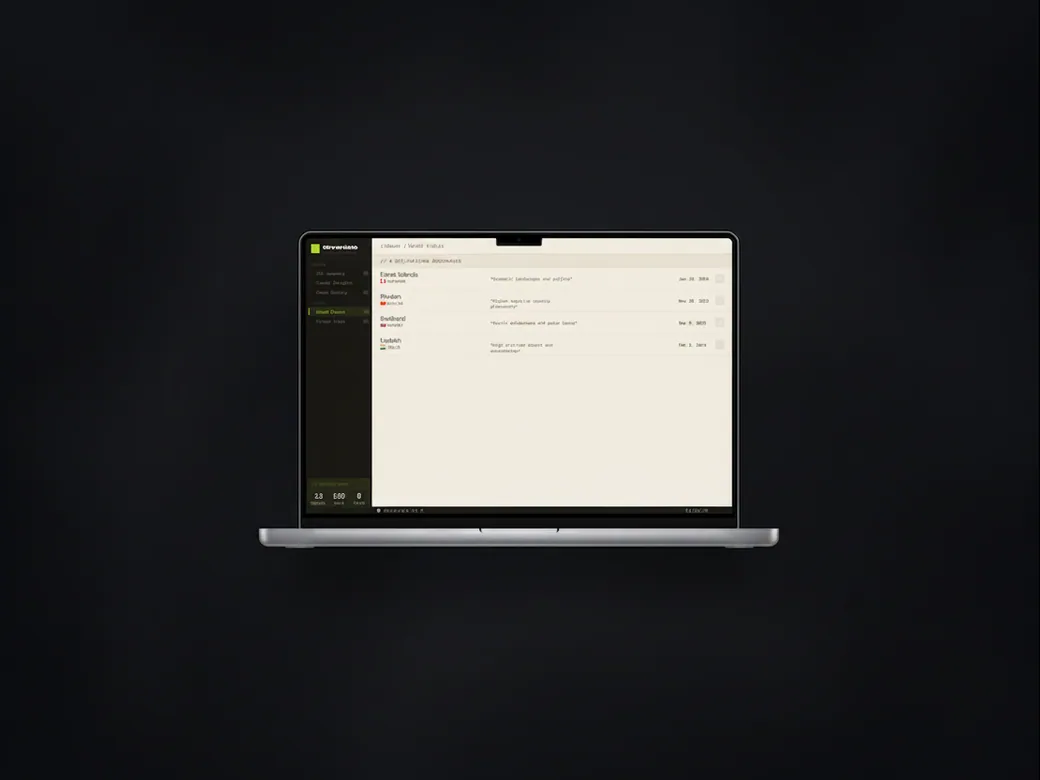
A travel archive on a laptop, listing past journeys with their dates and types.
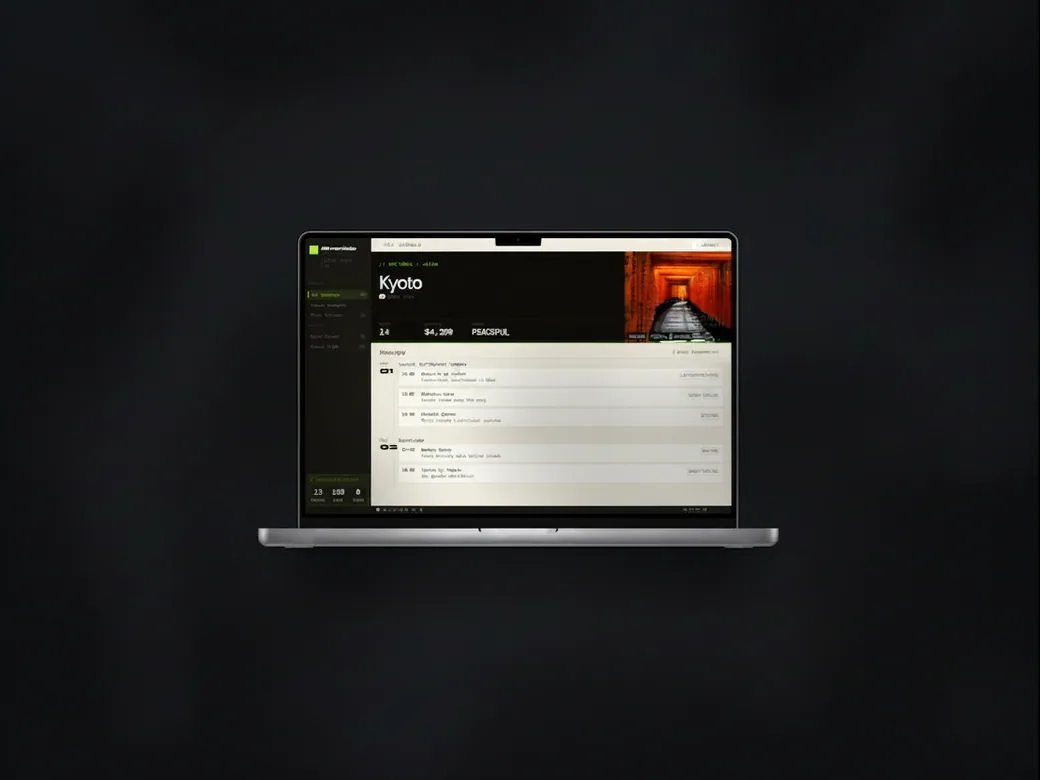
The travel archive on a laptop, showing one journey with its photograph, its figures and a day-by-day itinerary.
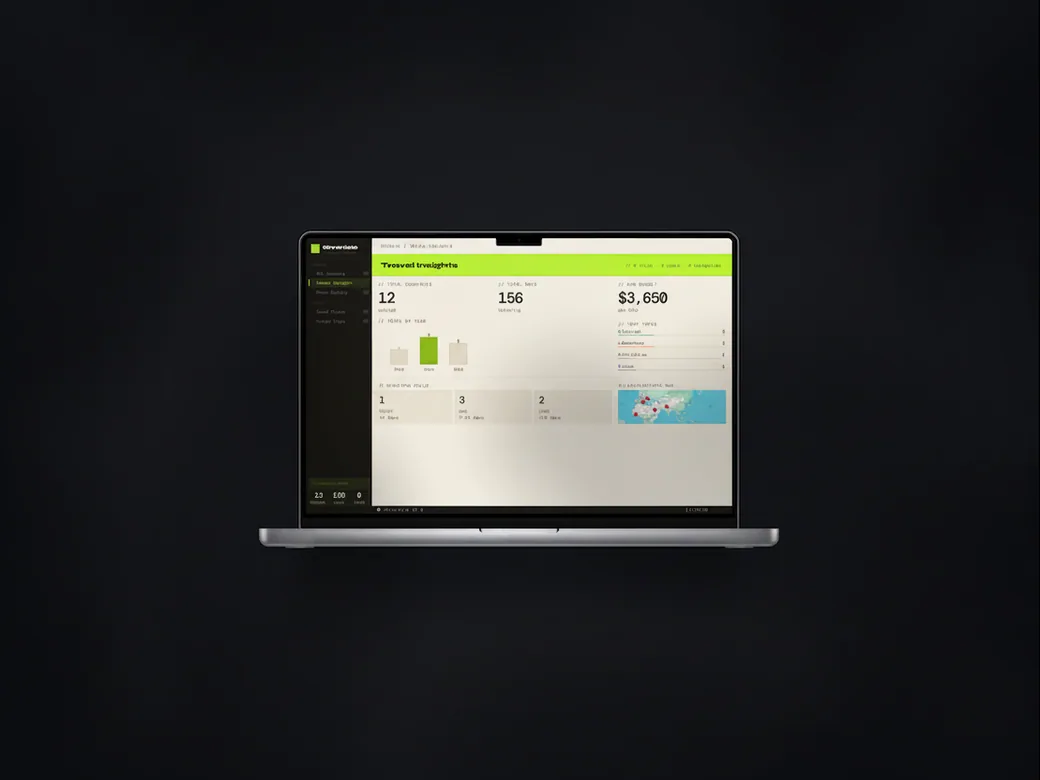
The travel archive's insights page on a laptop, with totals for journeys, days and spend, and charts by year and type.
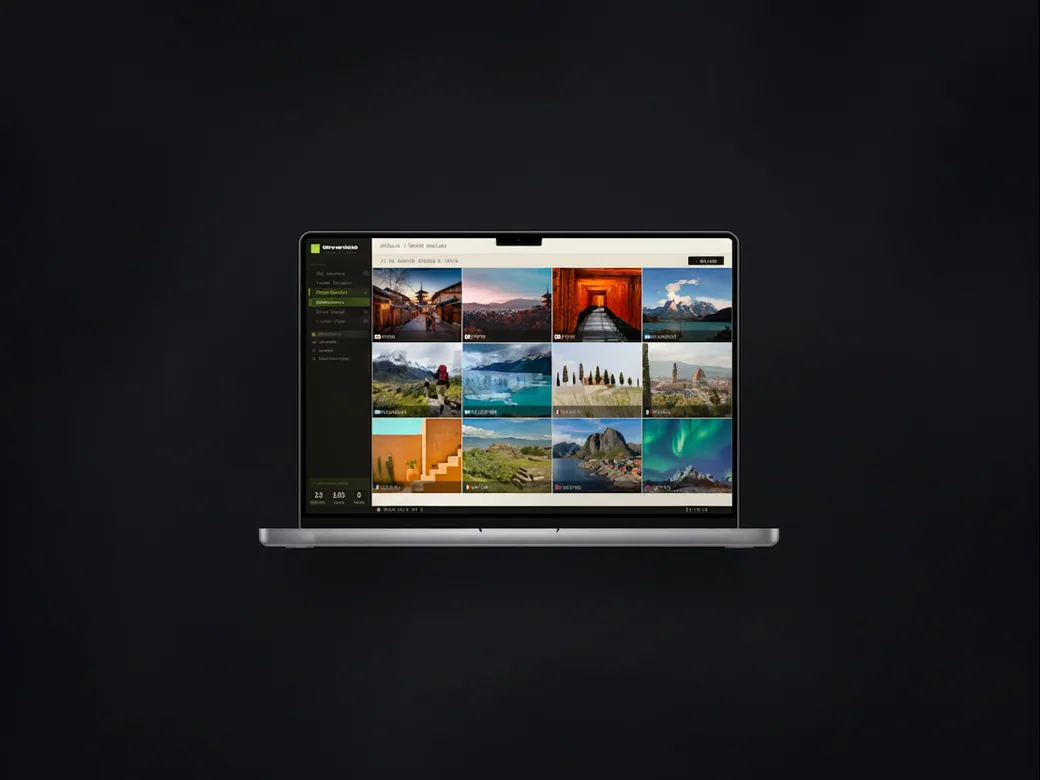
The travel archive's gallery on a laptop, a grid of trip photographs.
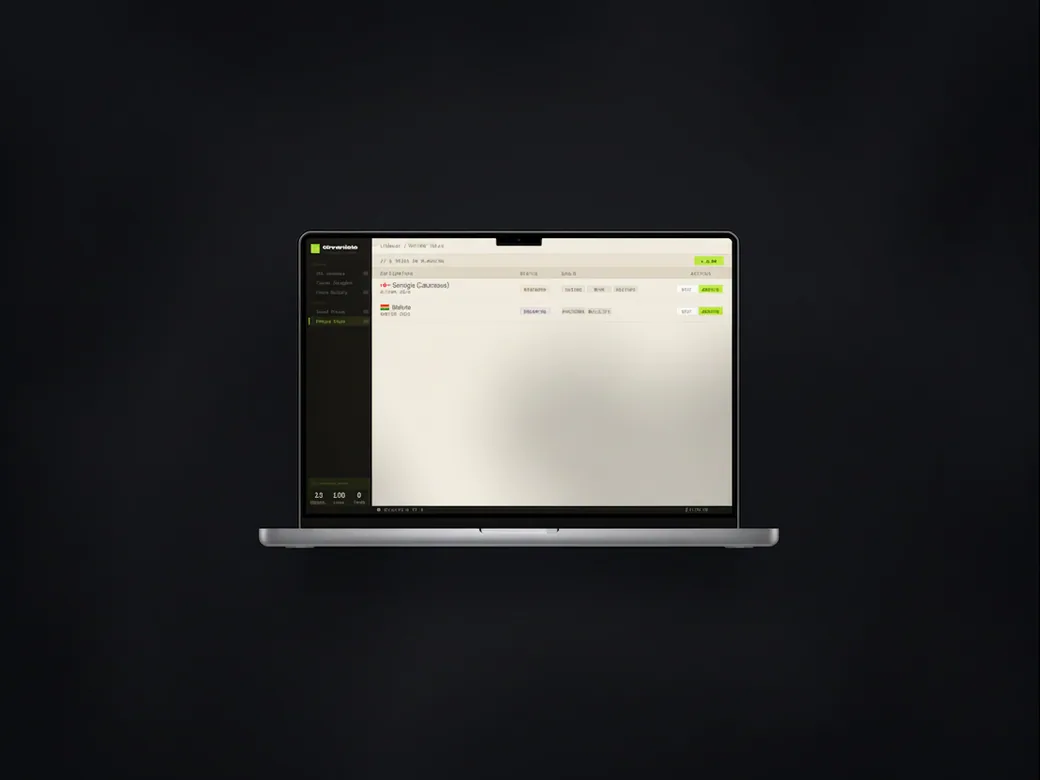
The travel archive on a laptop, showing the saved destinations with a note on each.
The travel archive on a laptop, showing a journey's details in a list.
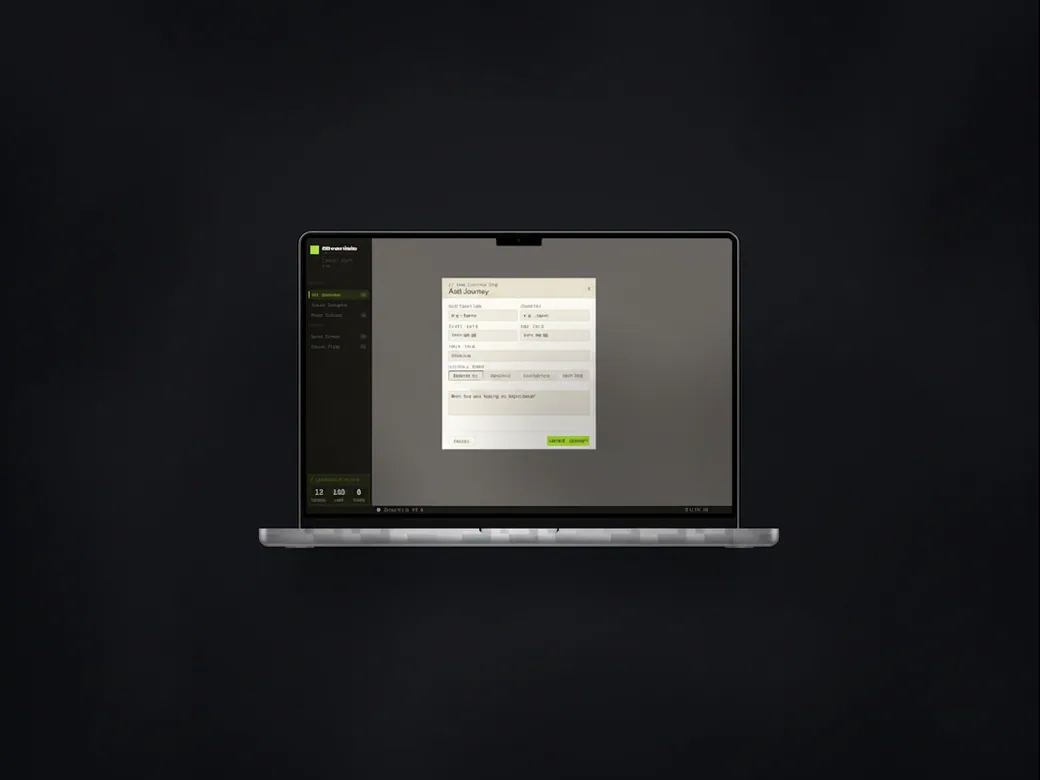
The travel archive on a laptop, with the add-journey form open as a dialog.
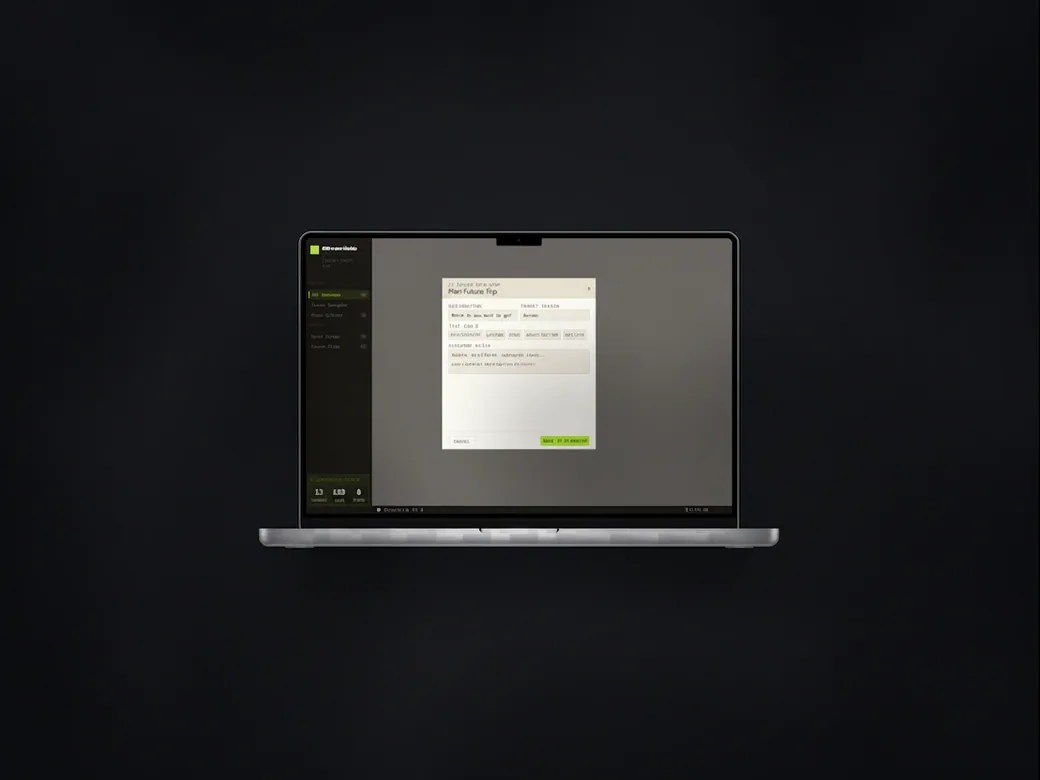
The travel archive on a laptop, with the plan-a-future-trip form open as a dialog.
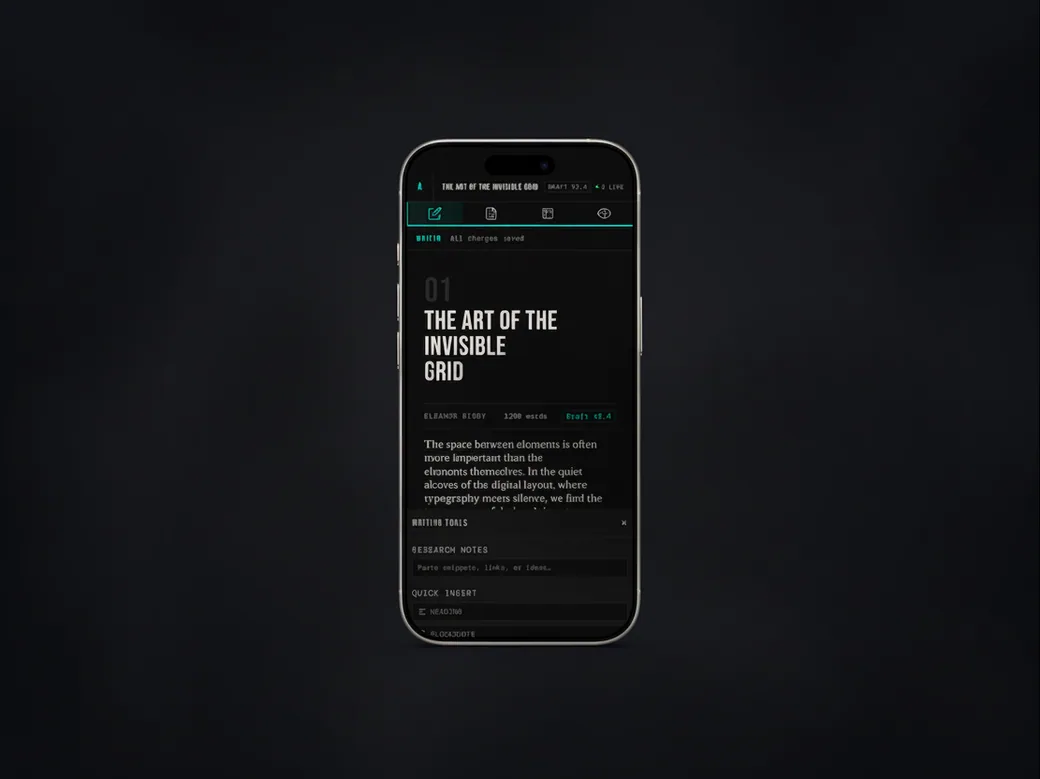
The writing app on a phone in its teal variant, with the article and the writing tools underneath.
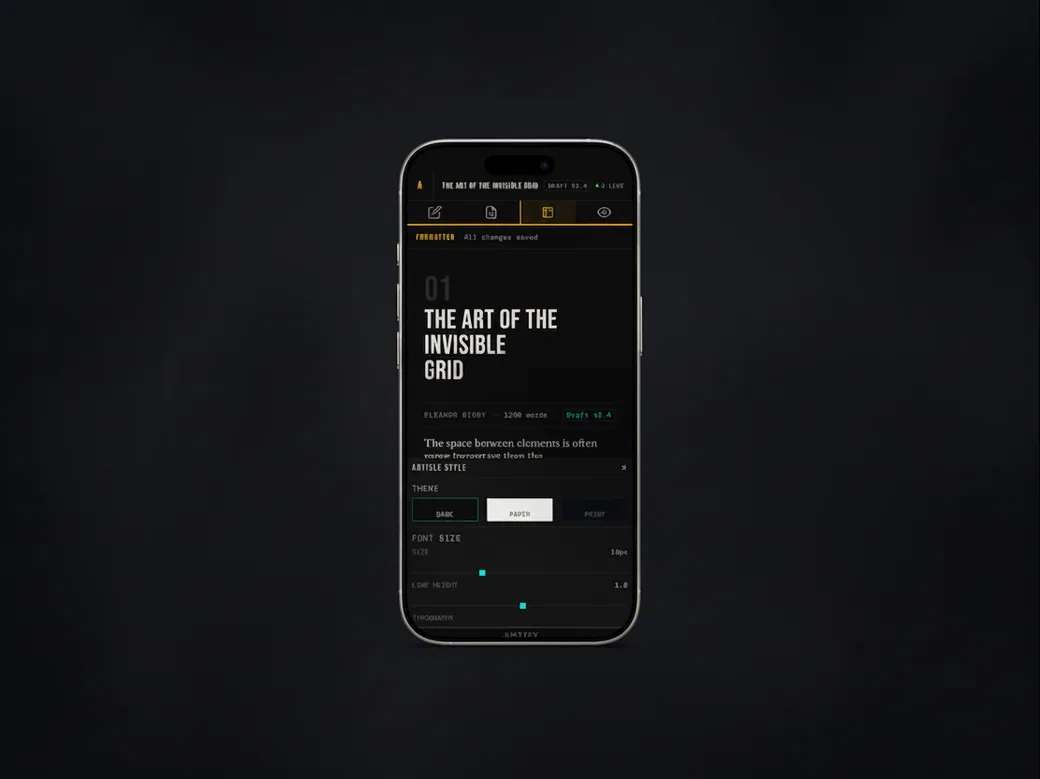
The writing app on a phone in its amber variant, with the article style controls open.
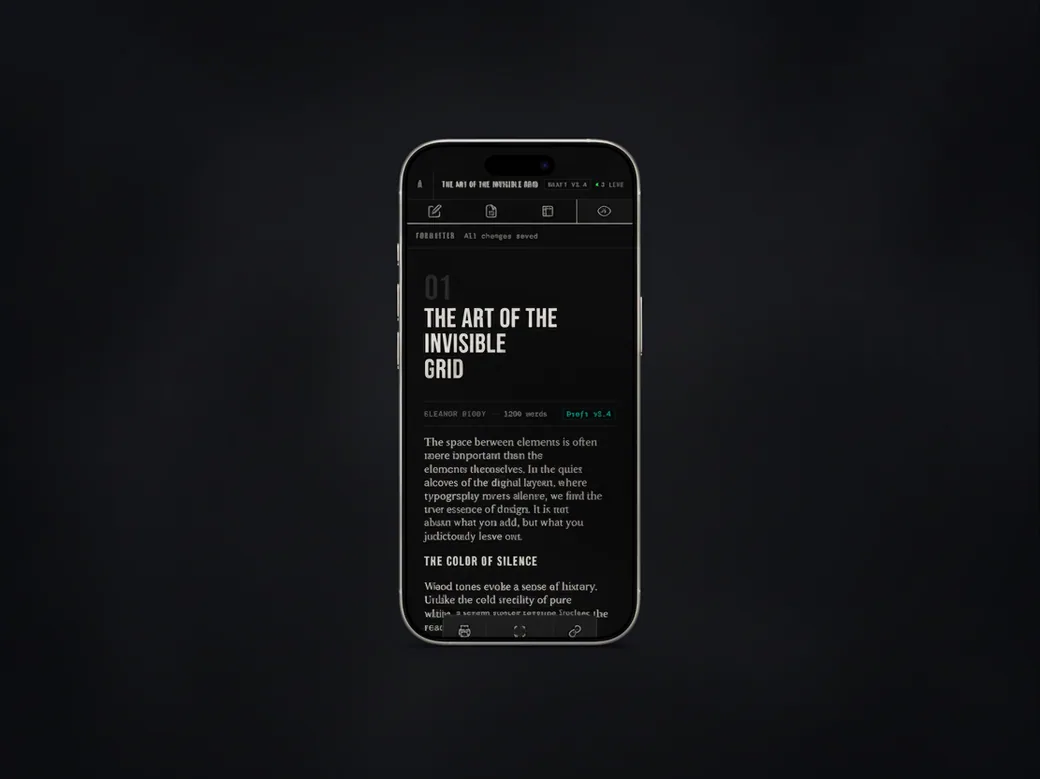
The writing app on a phone, scrolled into the body of the article.
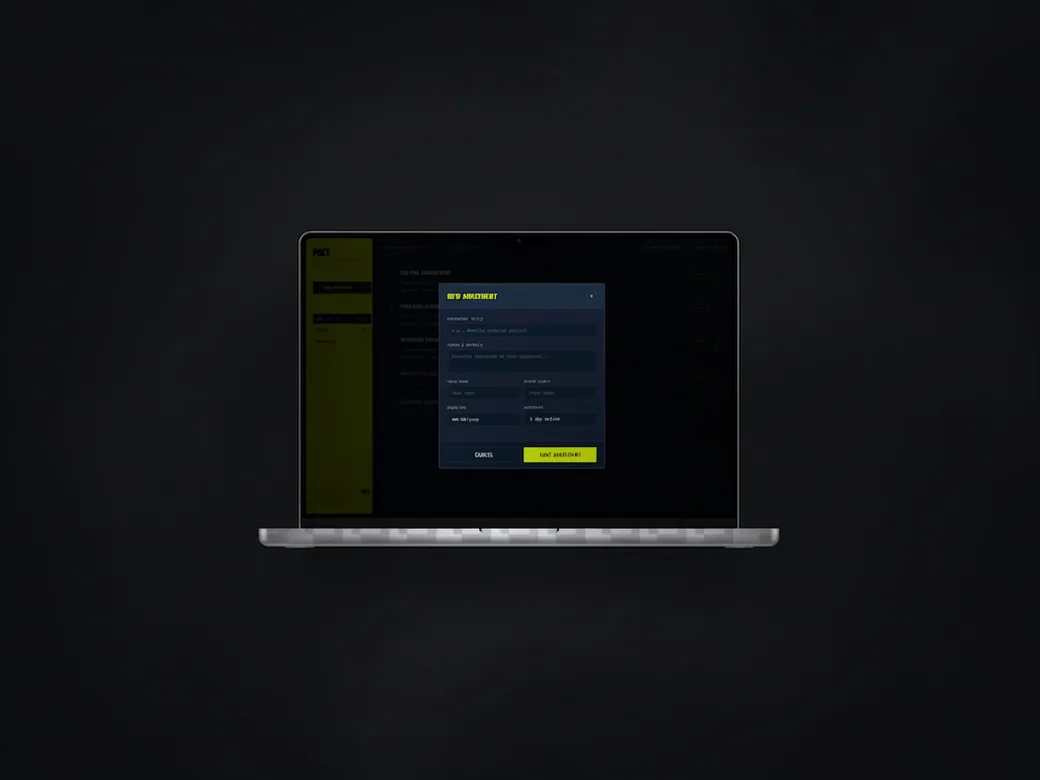
The project dashboard on a laptop, with a new-entry form open over a dark panel.
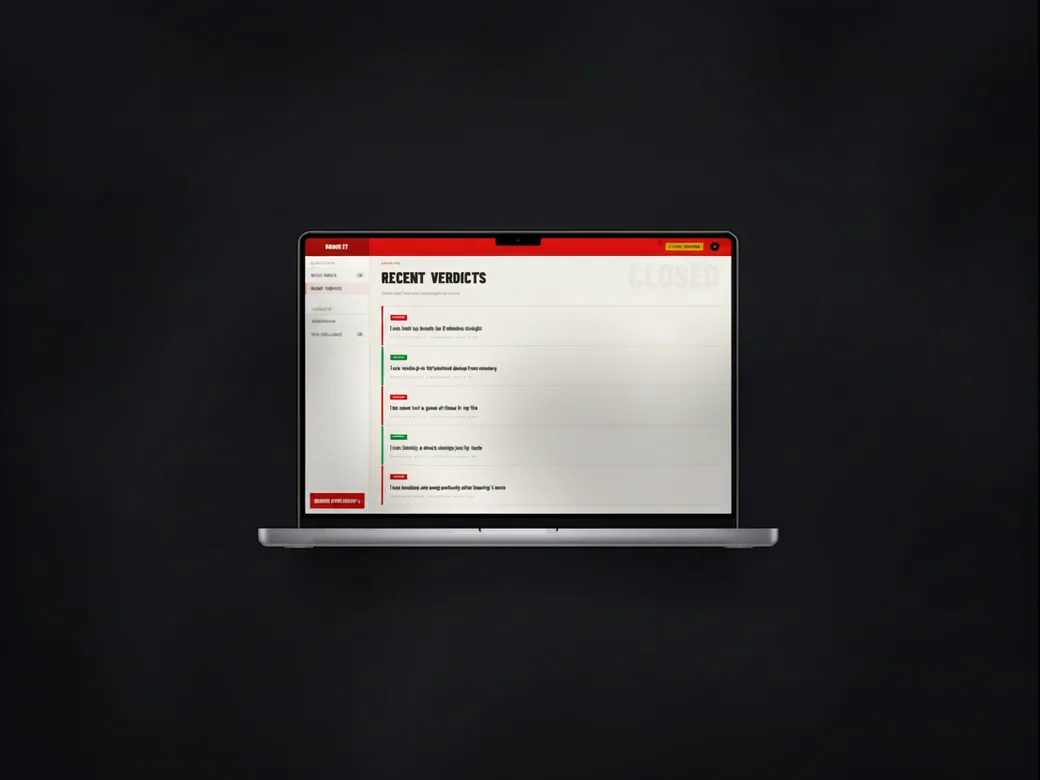
The challenge app on a laptop, showing the recent verdicts as a list of entries with their outcome.
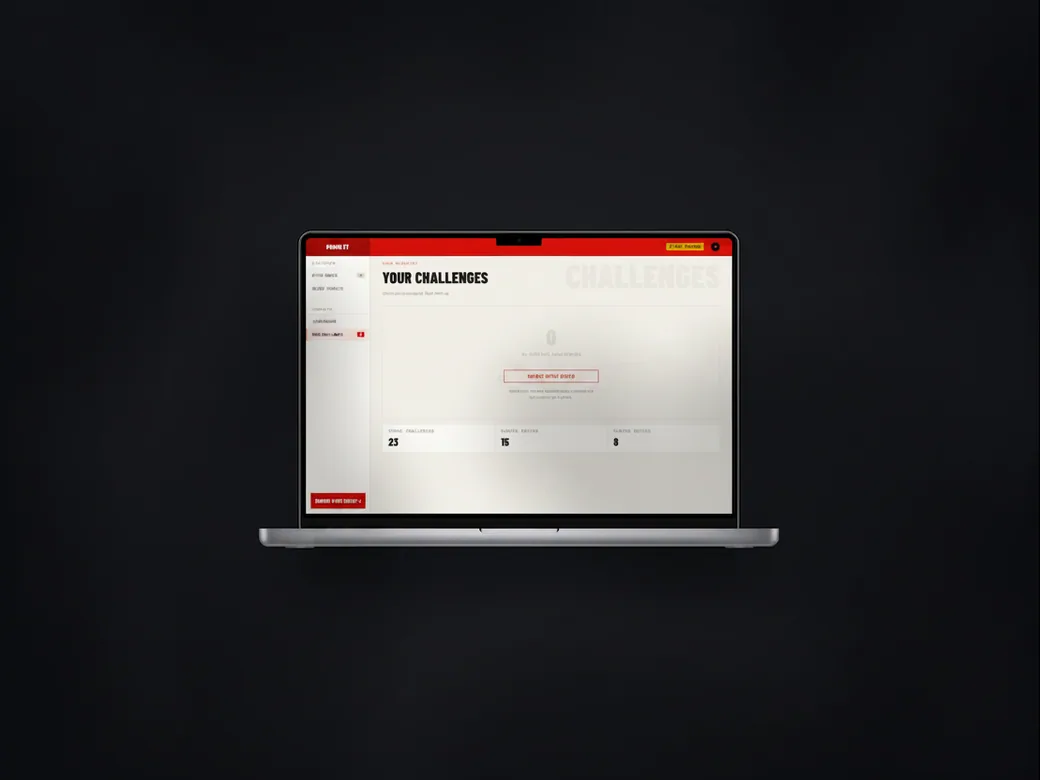
The challenge app on a laptop, showing a player's own challenges with their totals.
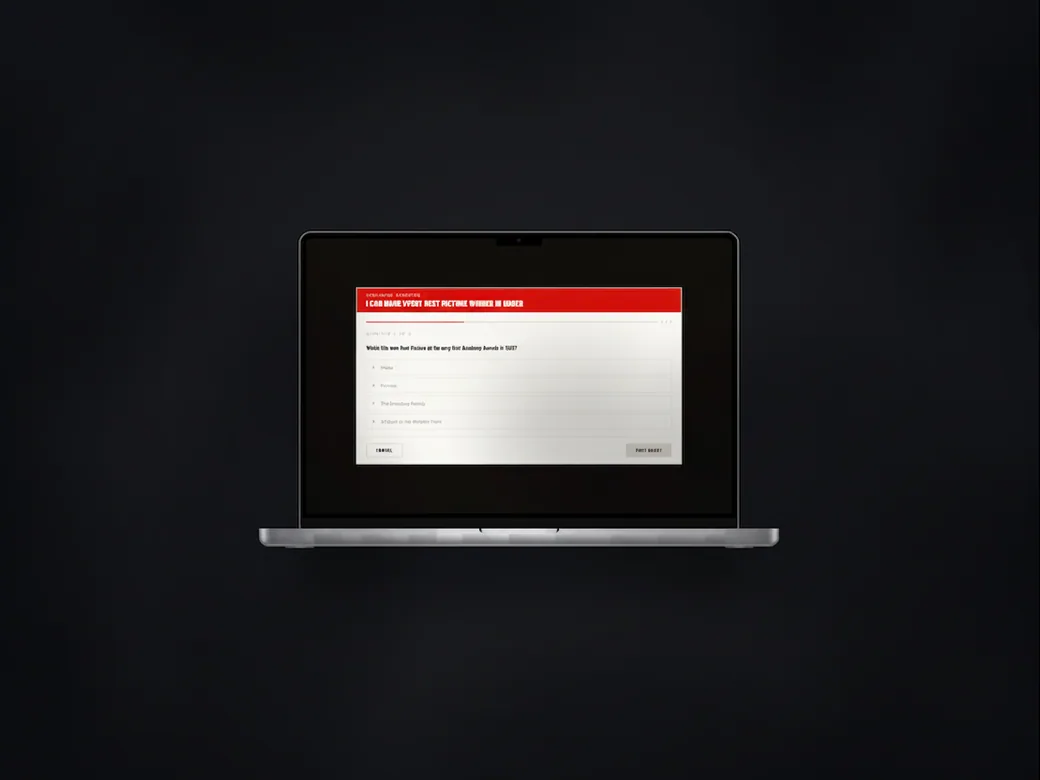
The challenge app on a laptop, showing a single challenge with its voting options.
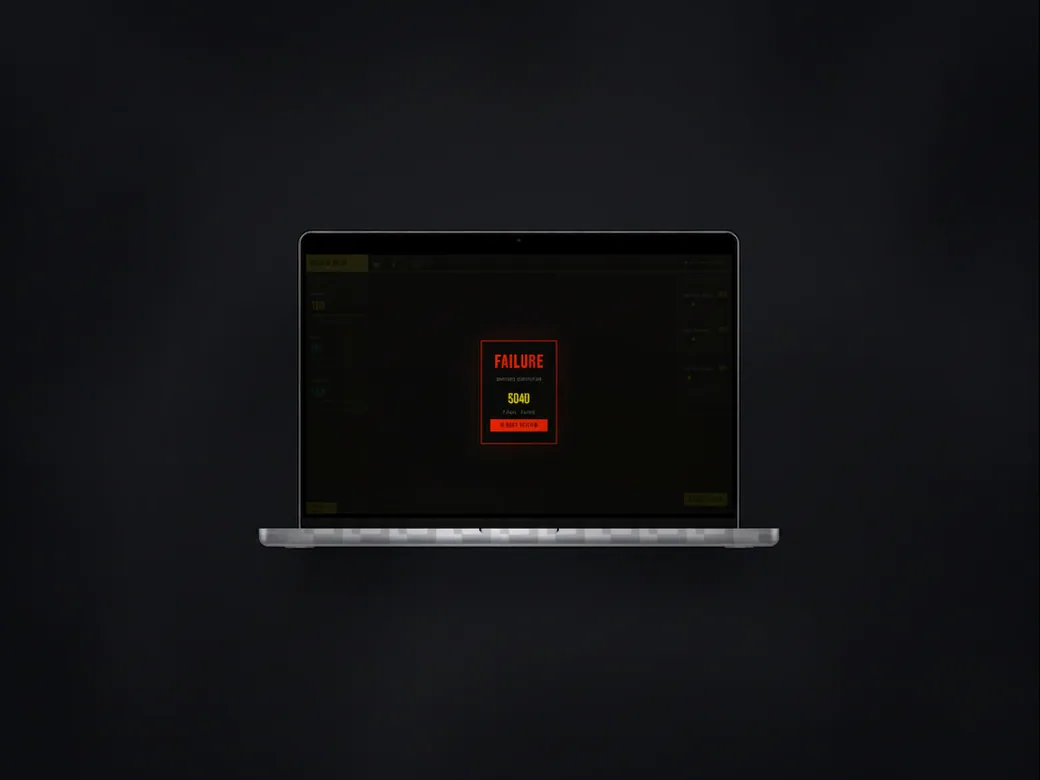
The challenge app on a laptop in a dark variant, showing a failed result and the amount at stake.
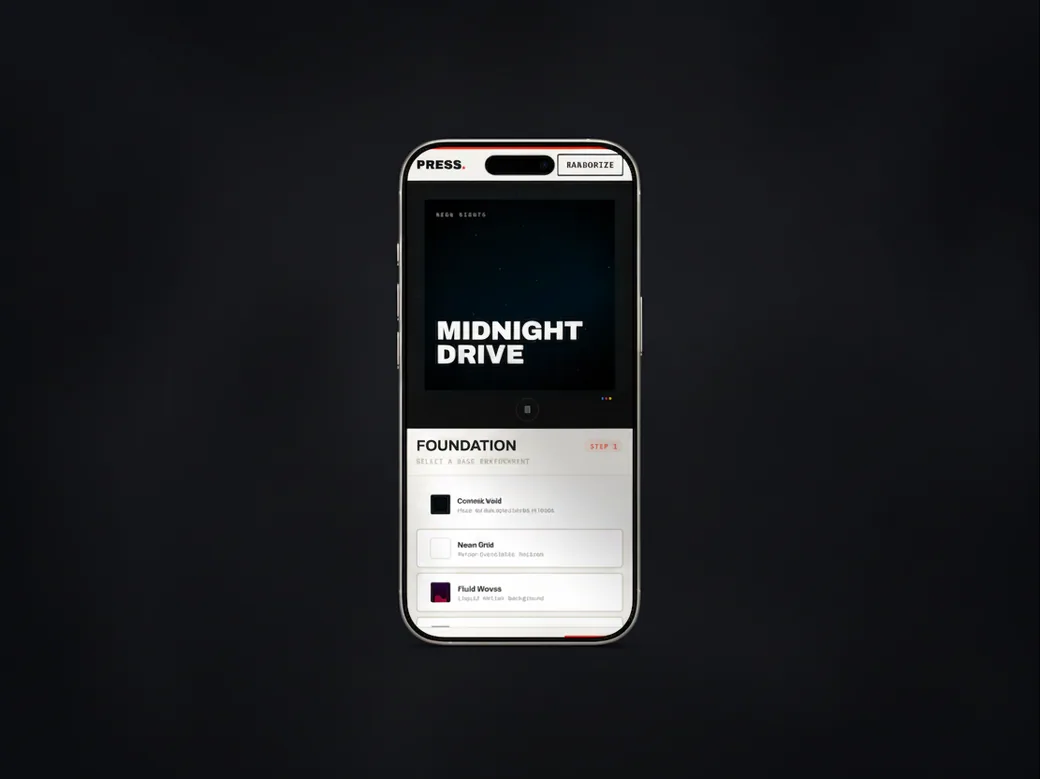
The music release page on a phone, with the album artwork above the release steps.
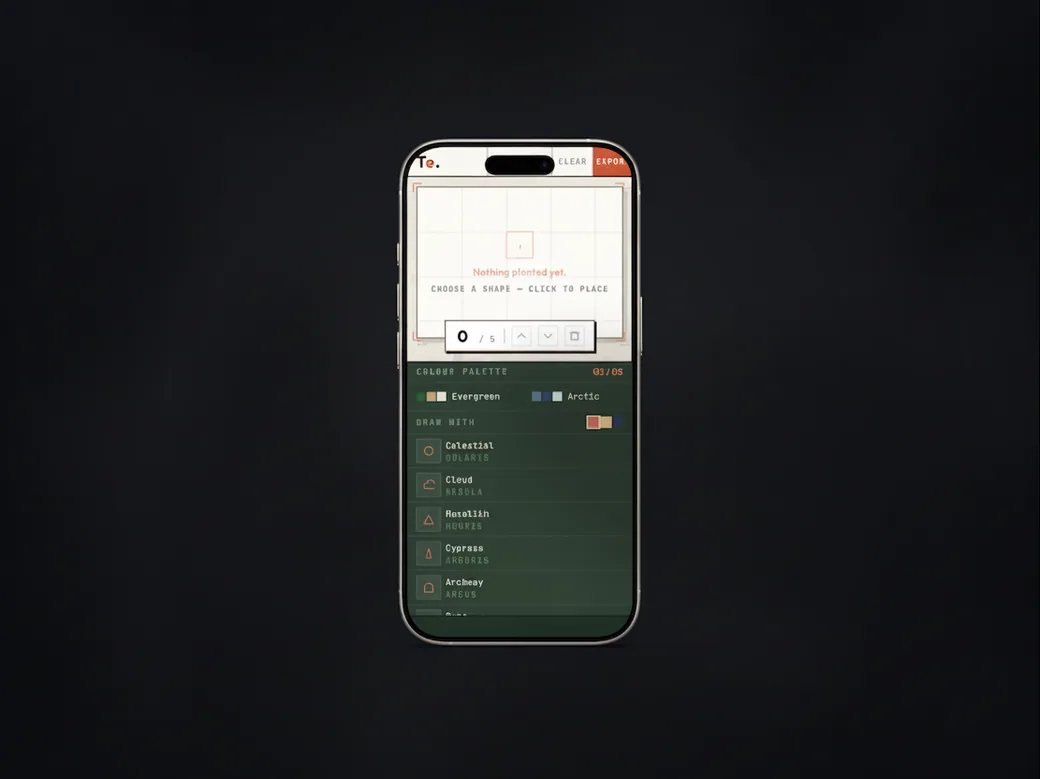
The garden planning tool on a phone: the empty grid canvas above the colour palette and the plant list.
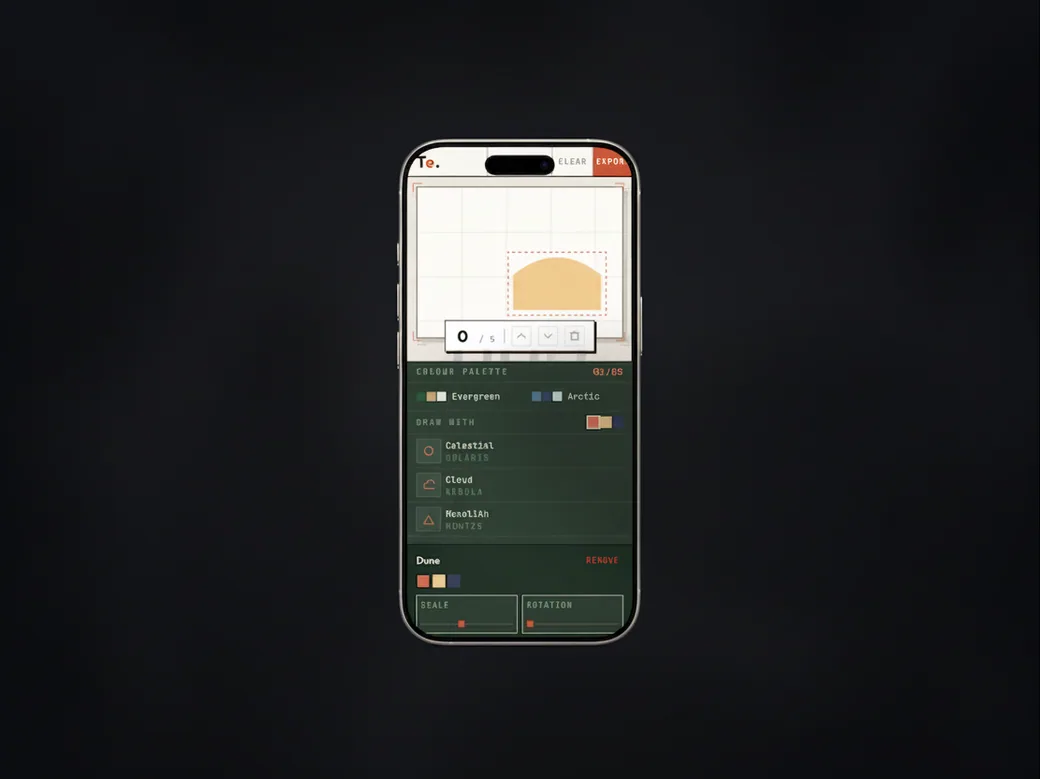
The garden planning tool on a phone, with a bed drawn on the grid and its scale and rotation controls open.
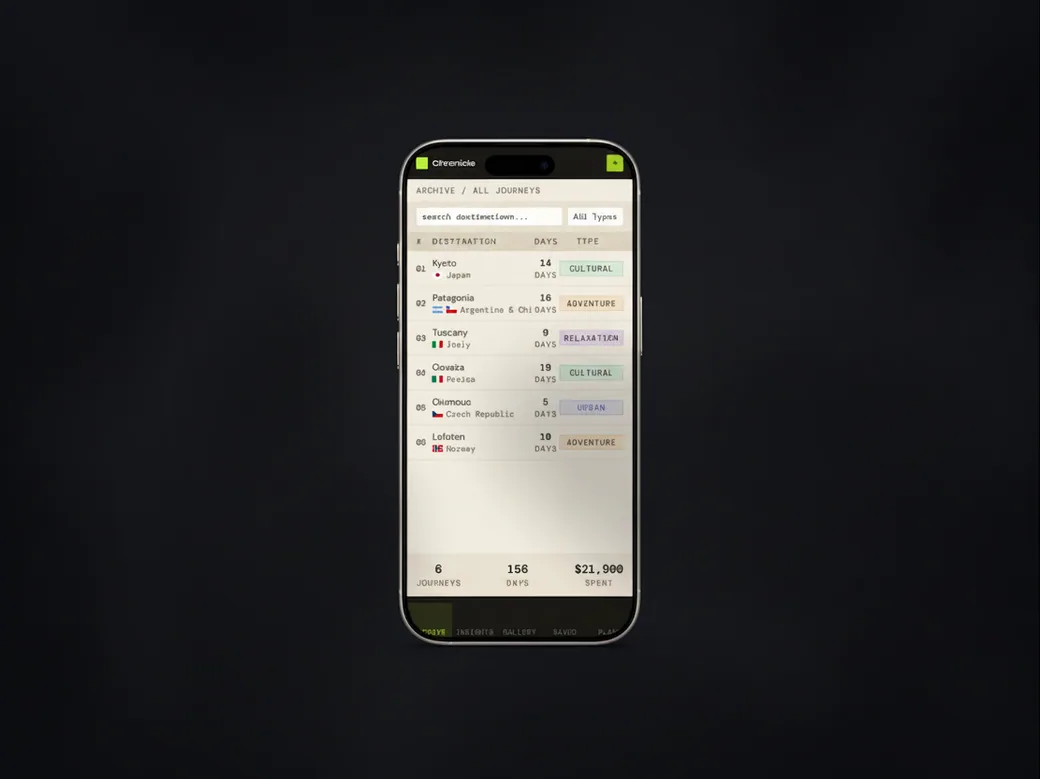
The travel archive on a phone, listing past journeys with their destination, days and type.
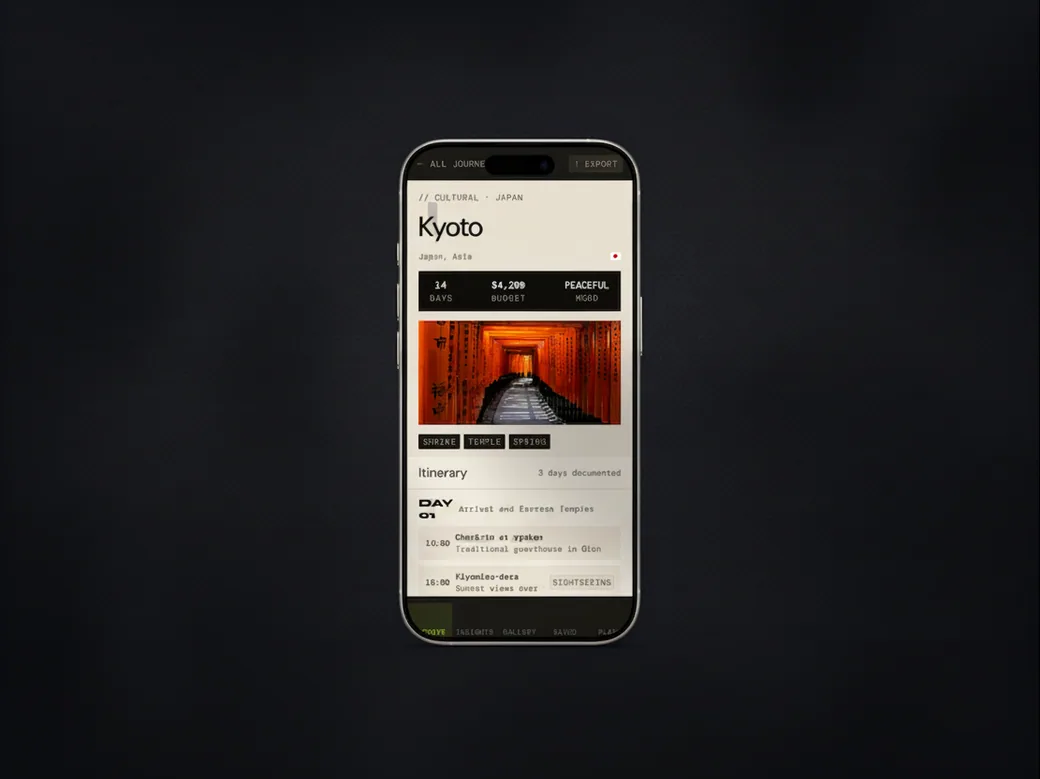
The travel archive on a phone, showing one journey with its photograph, its figures and the first day of the itinerary.
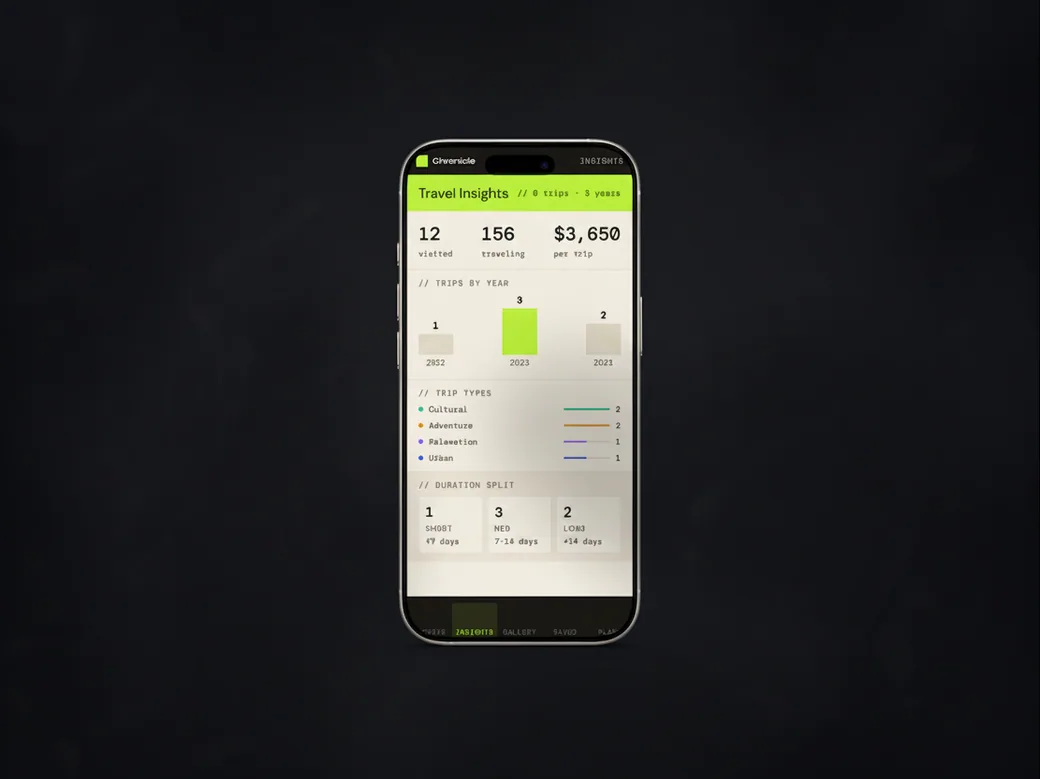
The travel archive's insights page on a phone, with totals and charts by year, type and length.
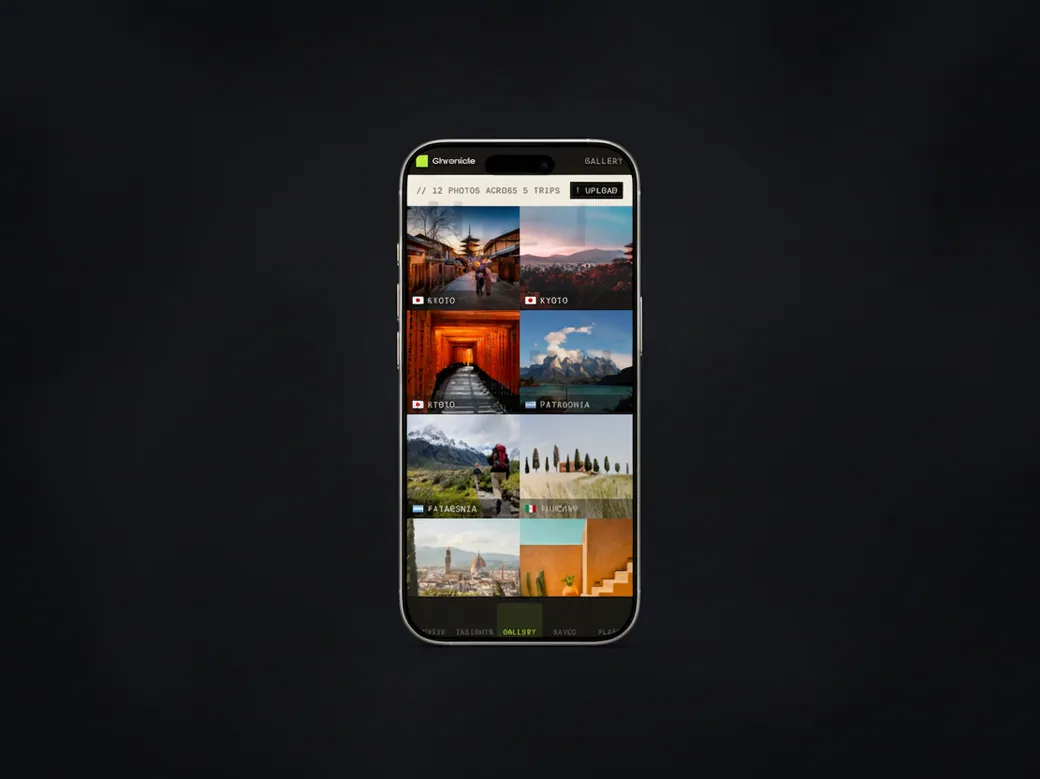
The travel archive's gallery on a phone, a grid of trip photographs labelled by destination.
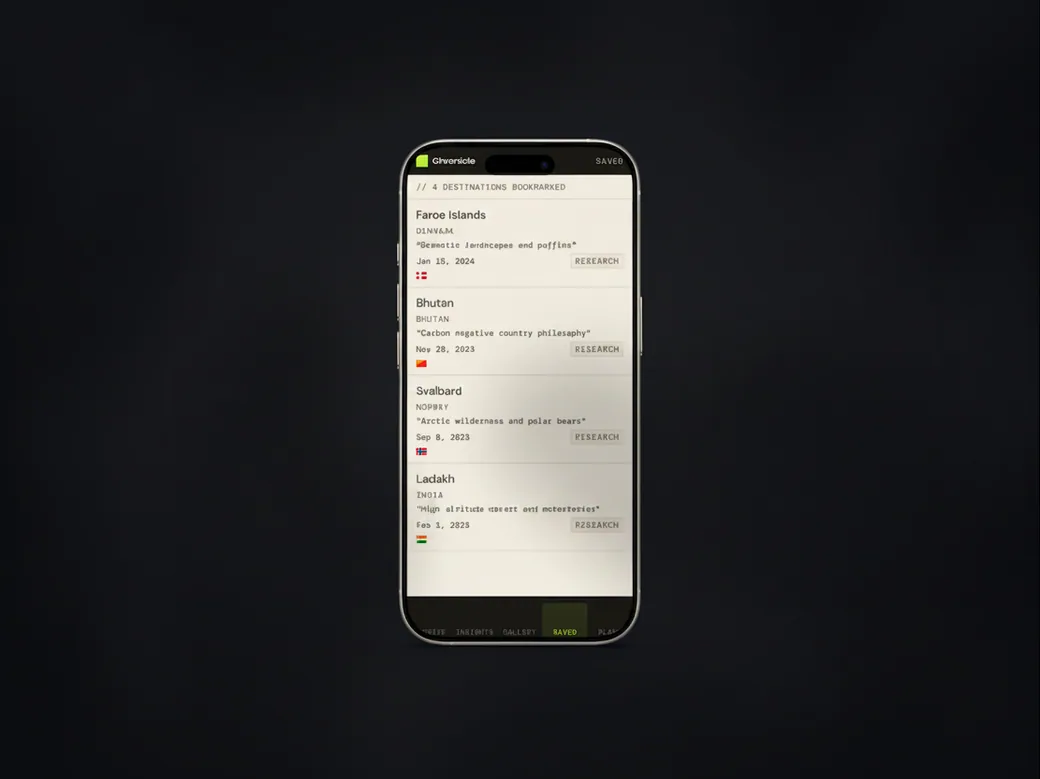
The travel archive on a phone, showing the bookmarked destinations with a note on each.
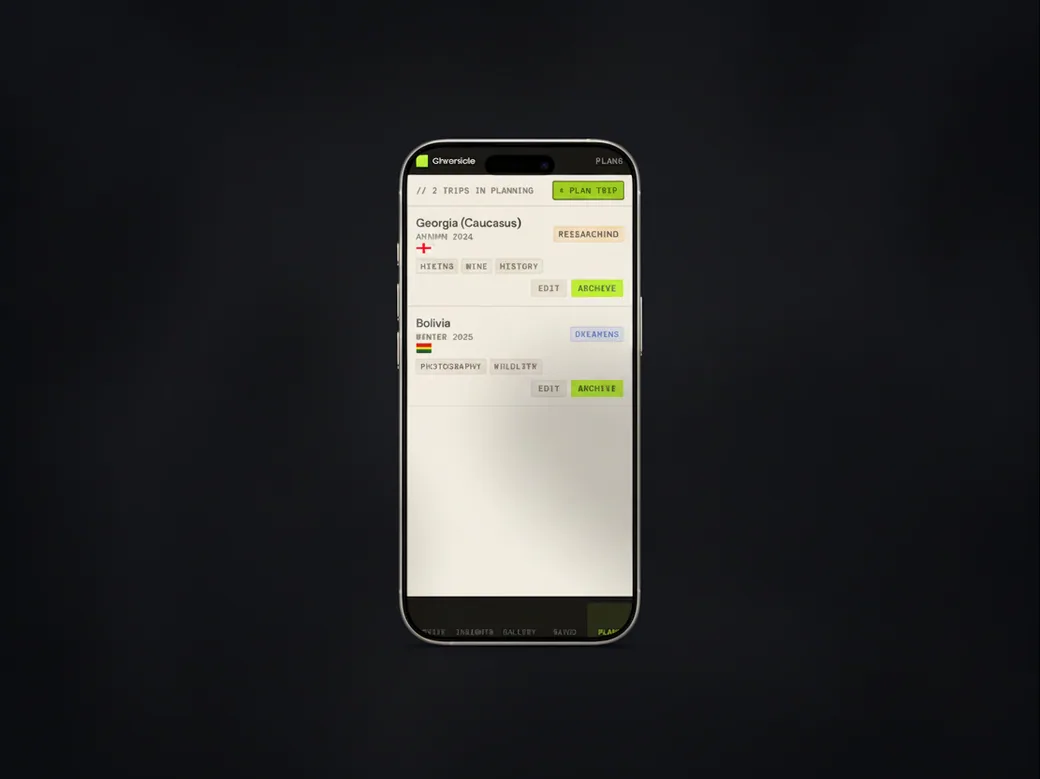
The travel archive on a phone, showing the trips being planned with their season and tags.
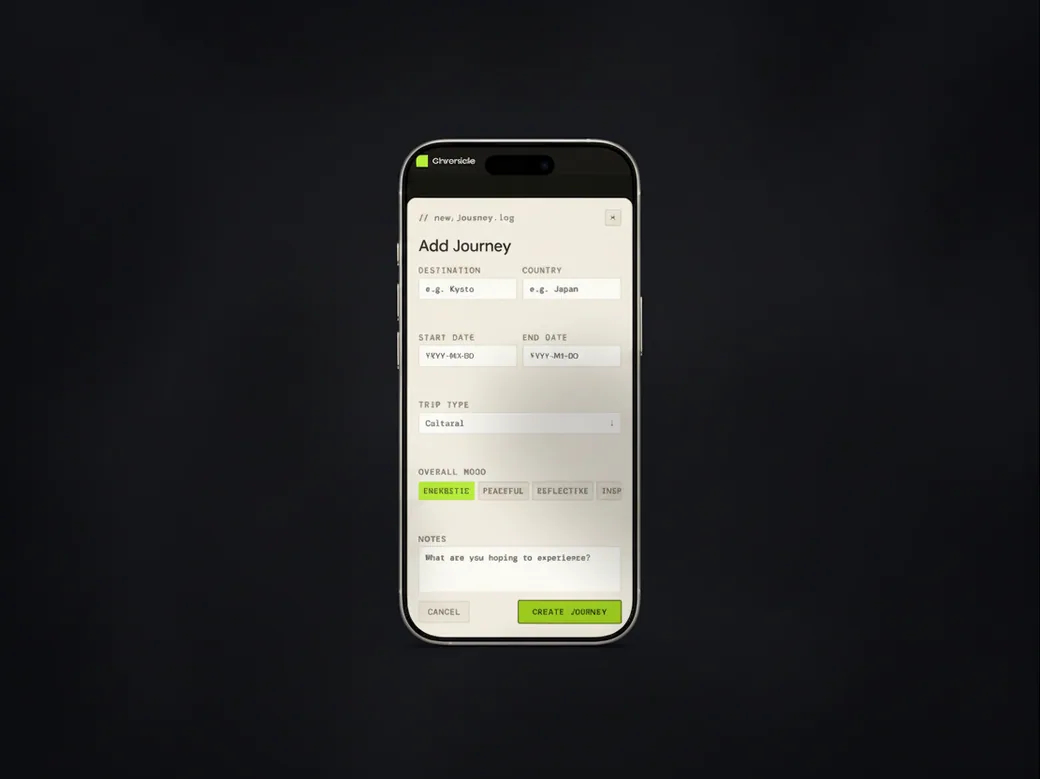
The travel archive on a phone, with the add-journey form open.
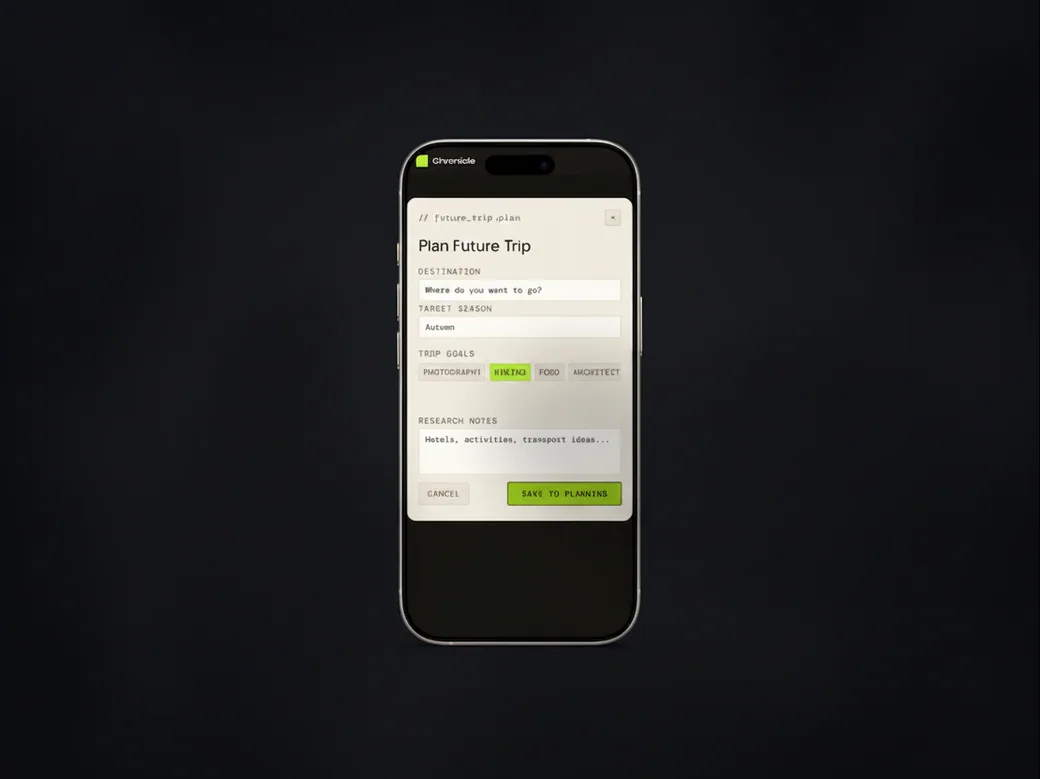
The travel archive on a phone, with the plan-a-future-trip form open.